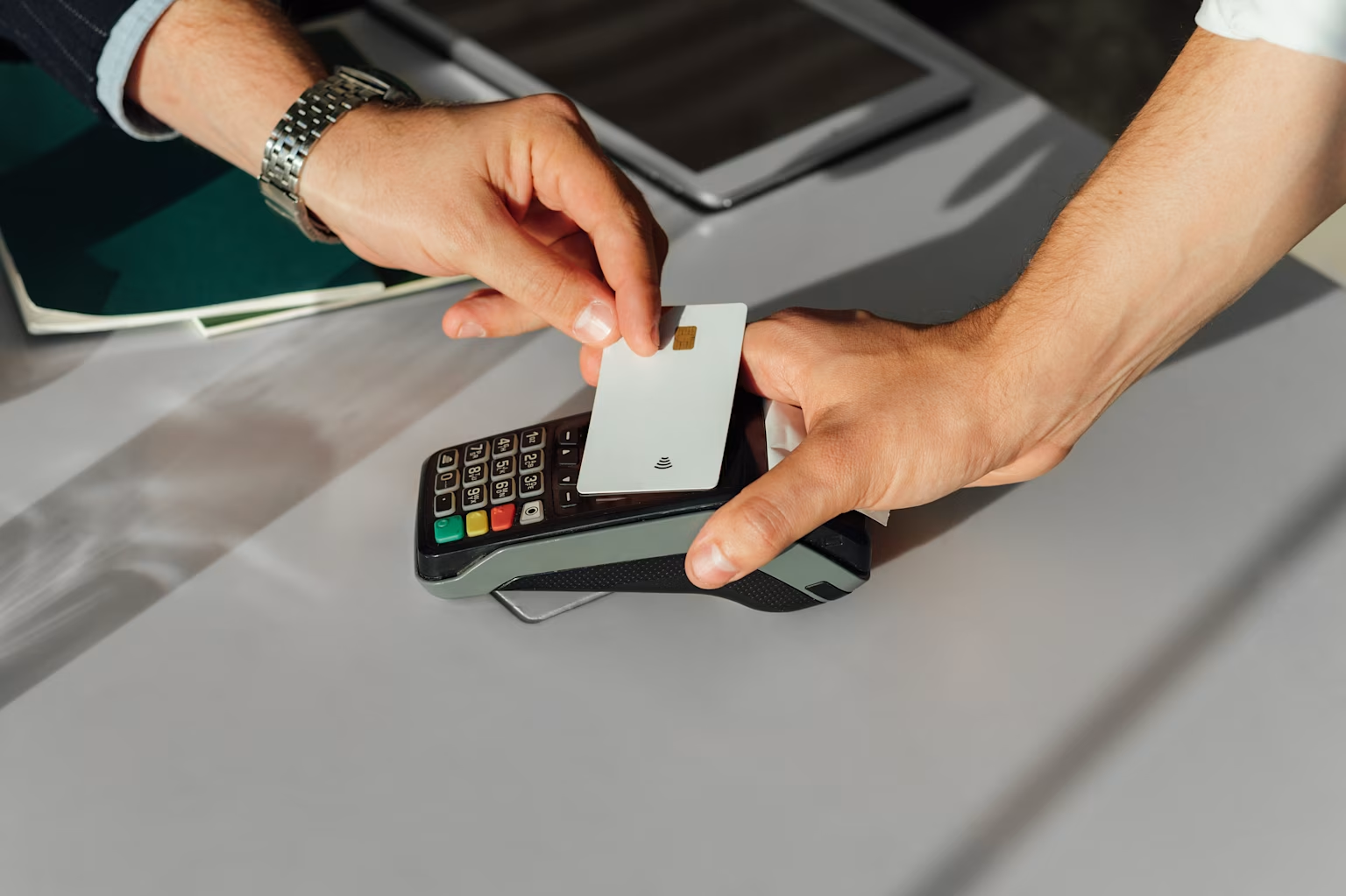
Can my child use my credit card? What parents need to know first
Share

Hey, $mart parents 💡
Bring money lessons home with Greenlight’s $mart Parent newsletter, a quick read with impactful tips — delivered free to your inbox weekly.
Key Takeaways
Most parents have handed their kid a credit card for “just this one purchase.” It feels harmless at the moment, but there are more legal gray areas and real credit risks that come with that quick swipe than most people realize.
Here’s what you need to know about letting your child use your credit card and what to do instead.
Can kids legally use a parent’s credit card?
Strictly speaking, no, your child can’t use your credit card, even if you say it’s okay. Some banks will let you add a child as an authorized user on your card. They can get a card in their name, but it’s linked to your account. Anything they spend shows up on your credit card bill, and you’re responsible for it.
What can happen if you let your child use your card?
Federal law caps your liability for unauthorized credit card charges at $50, but that protection is for lost or stolen cards, not for purchases made by someone in your own home. If your child uses your card without being an authorized user, your card issuer may hold you responsible for the full amount of those charges, whether you knew about them or not.
Here’s a simple example:
Your card offers fraud protection, and you let your child use it to buy candy at the store.
You forget to ask for the card back and they use it to purchase something online that turns out to be a scam or an expensive item you didn’t agree to.
You may still be liable for the charges since you were in violation of the card agreement.
Potential risks of sharing your credit card with your child
You can have the most trustworthy kids in the world, but if they don’t understand how credit works, even small slips can lead to bigger problems.
Here are a few potential risks to watch out for:
Accidental overspending. One-click checkouts and in-app purchases make it easy for kids to lose track of what they’re spending, and there’s no natural stopping point.
Unauthorized charges. Without being formally added as an authorized user, your child’s purchases exist in a legal gray area. Even with your permission, the bank may not see it that way.
Lost fraud protection. If charges are flagged as unauthorized, you could lose your right to dispute them, leaving you on the hook.
Credit risk is yours alone. Any missed payment hits your credit score, not your child’s.
A missed learning opportunity. Spending someone else’s money doesn’t teach kids anything about budgeting, tradeoffs, or what things actually cost.
5 safer ways to give kids spending power
You don’t have to risk everything to give kids some financial independence. There are better tools designed specifically to help kids practice spending and managing money.
1. Authorized user on your credit card
When you add a child as an authorized user, they get their own physical card linked to your account. No account setup required, because you’re adding them through your existing card issuer.
Benefits
Some card issuers offer spending alerts and the ability to set limits on the authorized user’s card.
Adding them to your account can help teens start building a credit history early.
Considerations
You remain fully liable for everything they spend. The only spending limit is the limit on the card.
Minimum age requirements vary by issuer, and some don’t allow minors at all.
You’re giving your child access to credit, which can be a slippery slope without teaching them financial literacy.
Removing them from the account or missing a payment could have a minor negative impact on their credit history.
2. Dedicated kids’ debit card with spend controls
These are built specifically for families, with parents and kids in mind, no matter the ages of the kids. They come with an interactive app both parents and kids can use.
Benefits
Store and category-level controls: Parents control how much money is available and can lock or unlock the card instantly, and they can set category-level spending limits.
Connect spending to chores: You can connect spending to chores and allowance, and kids can divide money into save, spend, and give buckets to build healthy habits early.
Safer than credit card: It’s a safer setup than a shared credit card and a better learning opportunity.
Added family features: Some apps, like Greenlight, include additional family features like a parent-approved kid's investing platform and location tracking and safety tools†† available with certain Greenlight plans.
Greenlight, the #1 family finance and safety app, offers a debit card for kids and teens packed with features parents love.
Considerations
They require a monthly subscription fee.
Kid debit cards work better if there are conversations about how the card works and boundaries are set.
They are not a credit-building tool.
These debit cards are best suited for families who want more than just spending control and are able to use the account app regularly.
3. Prepaid debit cards
These look and are used like regular debit cards, but funds are loaded in advance, so there’s no risk of debt or overdraft.
Benefits
Parents control how much money is available and when.
Works anywhere a regular debit card is accepted.
Some options offer parental controls, spending alerts, and category limits.
Considerations
They don’t build credit history the way an authorized user arrangement does.
Some cards charge fees for loading money, inactivity, or ATM withdrawals.
Without the right app or tools, it can feel like just handing over cash with no added visibility.
Not all prepaid cards are designed with kids in mind.
Features vary widely by provider.
4. Cash
While cash can be a great teaching tool for younger kids who are just learning the basics of money, it’s easy to lose or misplace.
Benefits
There’s no risk of overspending beyond what’s given.
Kids can physically see money leaving their hands, which builds awareness of spending.
There are no fees, accounts, or setup required.
Considerations
There’s no visibility for parents once cash is handed over. You won’t know what it was spent on.
It’s inconvenient. You have to go to the ATM to withdraw cash and have the larger bills broken down if your child needs less than $20.
It doesn’t work for digital or online purchases.
There’s no record of spending, which makes it harder to use as a teaching tool after the fact.
5. Digital wallets like Apple Cash
A debit card is stored on the user’s phone, and they tap their phone to the payment device in a business to pay for their purchases.
Benefits
It allows parents to send money instantly to a child’s account.
Apple Cash Family lets parents approve or decline transactions and receive spending notifications.
There’s no physical card to lose.
There are no fees for sending or receiving money between Apple users.
Considerations
It requires an iPhone and Apple ID, so your child would need an iPhone.
The parental controls are relatively basic compared to dedicated kids’ finance apps, and there’s no built-in financial education tools or savings goal features.
Easy access to a funding source can make it harder to enforce spending limits.
Not ideal as a standalone solution for teaching kids about money management.
What to talk about before handing over any card
Before handing over any card, you should have an initial discussion and follow-up conversations about what it means to have a debit card and what you expect from them when they use it.
How it works: Explain how the card connects to a bank account. Make it clear that tapping or swiping the card removes money instantly, and emphasize that they must know their balance before making a purchase.
The difference between needs and wants: Teach them to prioritize saving and necessary expenses over impulse purchases. Set clear boundaries about what the card is allowed to buy (school lunches) versus what they must use their own allowance for.
Security and privacy: Stress the importance of keeping their PIN and card number completely private, even from their best friends. Discuss what to do right away if the card is ever lost or stolen.
Monitoring together: Show them how to use the mobile app to check their transactions. Establish a routine of reviewing the account history together to spot mistakes and build good spending habits.
Set kids up for success
Giving kids financial independence is good, but the method matters. Handing your child a card doesn’t mean they’ll suddenly become money smart. The best tools teach them why and how to make good money decisions.
Greenlight’s debit card for kids teaches money responsibility, with parental tools that keep you informed and in control. It’s the best of both worlds: freedom for them, peace of mind for you.
††Requires mobile data or a WiFi connection, and access to sensory and motion data from cell phone to utilize safety features including family location sharing and driving alerts and reports. Messaging and data rates and other terms may apply.
Share