


Top 10 Greenlight debit card alternatives for kids and teens
Learn how we collect and use your information by visiting our Privacy Statement.
Greenlight is an award-winning, all-in-one money app and debit card for kids and teens†. Its innovative platform helps parents teach money management safely, with parental spend controls, purchase approvals, and automated chores and allowance tools, all with parental oversight. Kids learn to earn and save with savings rewards¹, fun games, and a cool investing for kids³ feature.
Still, the family debit card market is crowded, with many companies offering similar basic features. Which one's right for your family? Here's a look at the details, prices, pros, and cons of some of the top Greenlight card alternatives for teens and kids to help you make an informed decision.

#1 family finance and safety app
Greenlight card alternatives at a glance
Acorns Early (formerly GoHenry)
BusyKid
Capital One Teen Checking
Famzoo
Venmo for teens
Modak Makers
Till
Step
Current
Bank of America SafeBalance® for Family Banking
1. Acorns Early (formerly GoHenry)
Monthly fee
$8/mo. for up to four cards
$12/mo. for Acorns Gold
Features
Debit card for kids 6 to 18
Chores and allowance tool, customizable by age
Parental money controls
Comprehensive financial literacy library
Savings, IRA, and investing for parents with Acorns Gold
Acorns Early pros
Automated chores and allowance features
Investing for kids
Charity donation options
Acorns Early cons
No category-specific parental controls
Fee billed annually
ATM fees are $1.50
Details
Along with its package of kids’ financial offerings such as debit cards, allowance and chore tools, and basic parental controls, Acorns Early offers additional tools for parents with its Gold plan, including interest on emergency savings, an IRA with 3% match, and investing with 1% match. Kids can designate some of their money for saving, but parents are the ones paying interest on that savings.
How does it compare?
Acorns Early offers a debit card and allowance and chores tools, but it doesn't offer the savings incentives¹ or cash back² to kids that Greenlight does.
With Greenlight, kids earn from 2% to 6%² on their own savings accounts and can participate in investing their own money with parental oversight. Kids learn the powerful concept of compound interest by watching their own savings and investments grow over time.
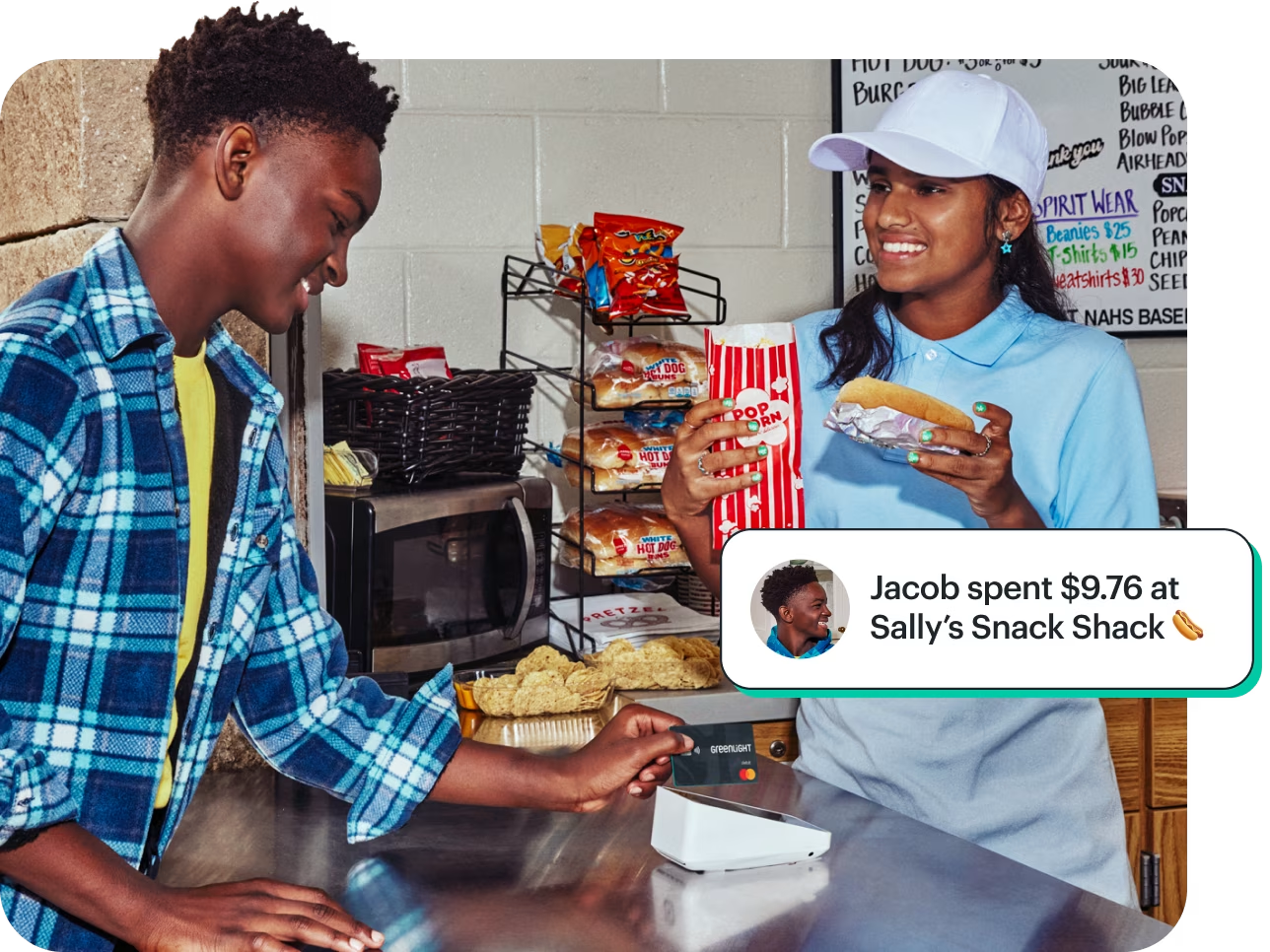
Learn to earn, save, and invest together.
With a debit card of their own, kids and teens learn to spend wisely, keep an eye on balances, and track their spending. Big money dreams? Set savings goals and start investing with as little as $1 — with your approval on every trade.
2. BusyKid
Monthly fee
$48 per year, billed annually
Features
Prepaid debit card for kids 5 to 17
Chore chart and tracking, set by age
Allowance management, set by age
Investing for kids
Charity donation options
Bonus payout
Parental matching on child savings
Parental money control, approval, and activity monitoring
BusyPay money sending
BusyKid pros
Automated chores and allowance features
Investing for kids
Charity donation options
BusyKid cons
No category-specific parental controls
Fee billed annually
ATM fees are $1.50
Details
BusyKid offers a prepaid Visa debit card through its app, which includes automated chores and allowance, savings with parental matching, and investment tools. Kids can also learn to invest their own money with parental supervision. There’s also a feature that lets kids donate some of their money to a cause they care about directly from the app.
How does it compare?
Both apps come with several of the same features like a debit card, allowance and chore tracking, and investing basics. However, Greenlight gives you access to more features beyond the basics, like granular parental spending controls and custom photo cards. The Greenlight Infinity plan comes with family location sharing, SOS alerts, and drive reports4, making Greenlight an all-in-one app for families.
3. Capital One Teen Checking
Monthly fee
None
Features
Debit card for kids ages 8 and up
Access to Capital One's mobile app for account management
Interest-earning on any balance amount
Teen savings goals
Parent allowance transfers
Capital One Teen Checking pros
Parent account monitoring
Teen savings goals
Fraud protection
Capital One Teen Checking cons
No category-specific parental controls
Kids must be 8 or older
Does not offer investing options
Details
With Capital One's free, online-only checking account for teens, a parent or guardian jointly owns the checking account, and teens access their accounts through the Capital One app. Kids can deposit checks, set savings goals, and make purchases with a debit card.
While there are no monthly service fees, CapitalOne can access kids' data, and the app lacks investing and financial literacy tools.
How does it compare?
Capital One Teen Checking is a basic checking account that may work for families seeking a simple, no-fee account for their teens. However, if you value advanced features tailored specifically for families like financial education opportunities, investing tools with oversight³, robust safety features, and parental controls, Greenlight could be the better option.
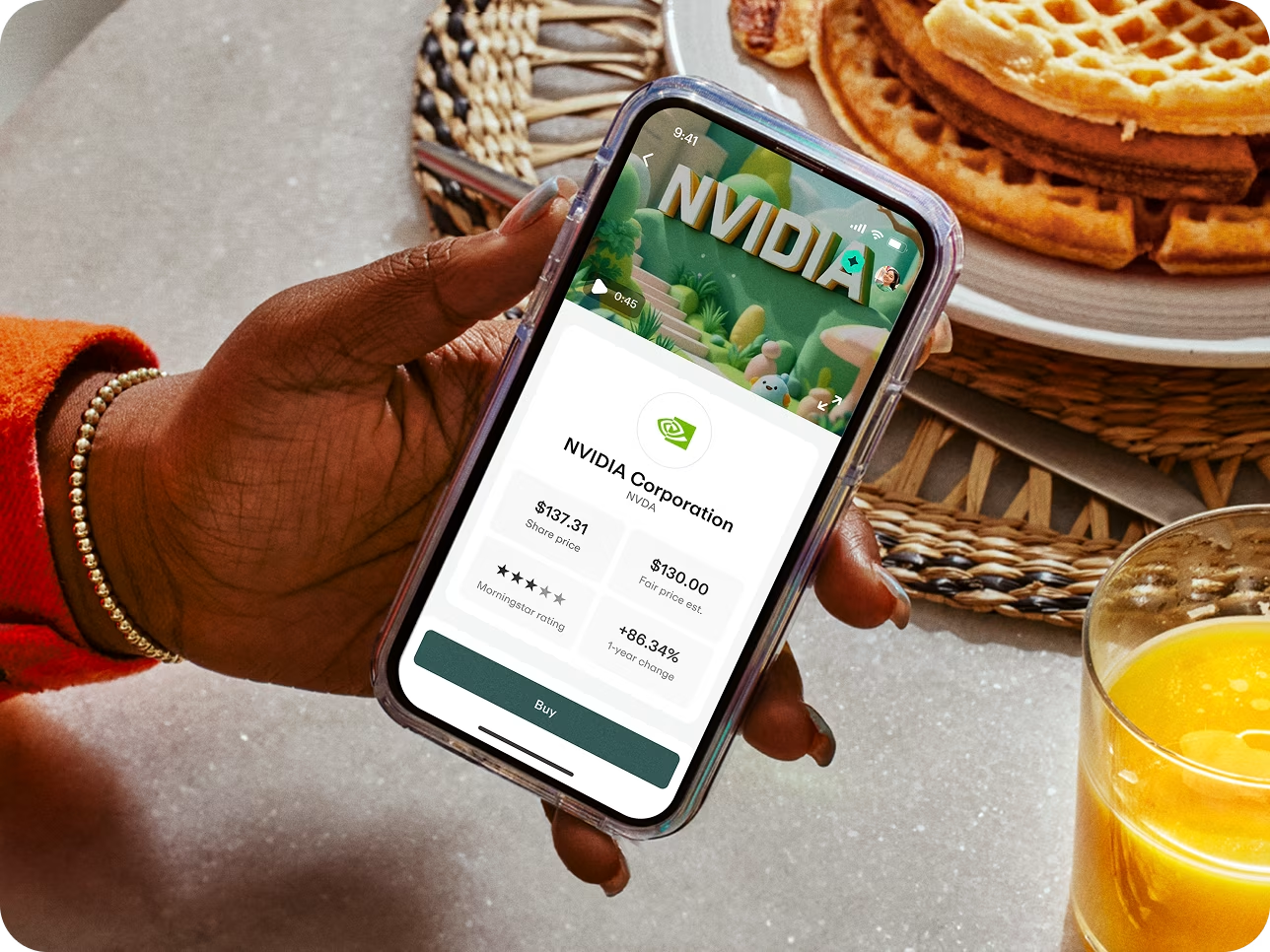
Take on investing together
When kids start investing early, they have the chance to grow their money as they save toward all their future goals. New car. College education. First apartment. You name it.
4. FamZoo
Monthly fee
$5.99/mo. or $59.90 annually
Features
Debit card for kids
Chore and allowance checklist
Scheduled and instant transfers
Payment splits
Real-time activity alerts
Informal loan repayment tracking
FamZoo pros
Chores and allowance features
Kids can make money and reimbursement requests
Create spend, save, and give goals
FamZoo cons
No investing options
Can’t restrict where kids spend money
Interest is paid by parent
Details
FamZoo's prepaid debit card system includes a card for parents to load money and spending cards for kids. The no-frills app consists of a family billing system where kids can request money for expenses like lunch money and track money borrowed with a parent-defined interest rate. Kids can designate their money to spend, save, and give.
How does it compare?
FamZoo offers a solid money management app plus tools like family billing and loan repayment. However, if you’re looking for more robust features like investment tools³, family location sharing, crash detection, drive reports4, and granular parental money controls in addition to money management, Greenlight’s premium plans offer a more flexible, comprehensive suite of options.
5. Venmo for teens
Monthly fee
None
Features
Debit card for teens 13 to 17
Early access direct deposit
Fast money transfers
Works wherever Mastercard is accepted
Venmo for teens pros
Parental account monitoring
No-cost cash withdrawals at in-network ATMs
Parents can block spending
Venmo for teens cons
No savings feature
Can’t be used by kids younger than 13
Transactions can be made public
Details
With a parent, teens can apply for a free Venmo account and debit card. The teen account is a simplified version of an adult Venmo account that allows teens to securely send and receive money to friends and family. Teen account balances can be monitored from the parent Venmo app, and parents can lock their teen's debit card at any time and receive notifications on spending activity.
Venmo's teen offerings don't include a savings account feature or other money management tools such as financial goal setting and allowance and chore tracking. It’s also only available to kids 13 and older.
How does it compare?
If you just want an easy way to keep track of your teen’s spending and accounts, the Venmo teen debit card and account is a good option to consider. However, Greenlight may be the better choice for families wanting a more comprehensive app that teaches smart saving and spending habits and investing fundamentals³ while giving you parental control over your child’s accounts. You can also upgrade for expanded family safety features like location sharing and driving reports4.
6. Modak Makers
Monthly fee
None for basic features
Features
Debit card for kids and teens
Customizable parental controls
Financial literacy tools and educational content
Chore and allowance management
Savings goals and rewards
Parental oversight on spending and saving
Modak Makers pros
No monthly fee
No age requirements
Digital wallet integration
Modak Makers cons
Fee for money transfer
Limited parental spending controls
Reload fees in some instances
Details
Modak Makers offers a free money management app and debit card for kids and teens. There is savings and spending tracking, chore management, and allowance-based earnings. However, you will pay fees to transfer money, and parental spending controls are limited.
How does it compare?
For families looking for a pared-down approach to debit cards for kids and chore/allowance management with no ongoing monthly fees, Modak Makers could be a solid pick. By comparison, Greenlight offers more extensive financial tools, investing options³, and advanced safety features that can grow with your kids as they become teens.
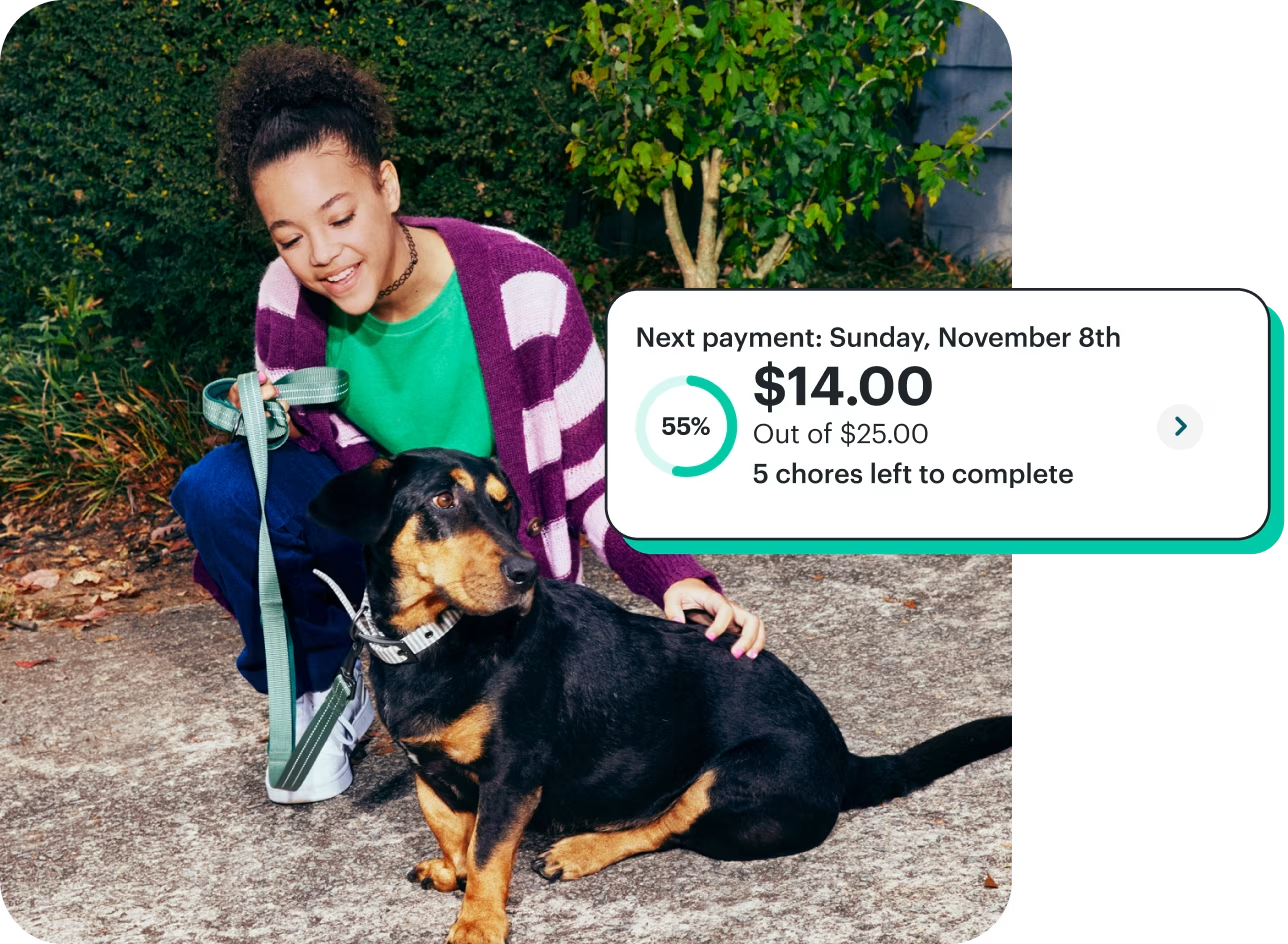
The chore app that checks all the boxes.
Chores. Allowance. They’re different for every family. That’s why we let you call the shots. Want to tie allowance to chores? Pay a percentage based on chore progress — or only if they’re all done. Prefer not to? Your house. Your rules.
7. Till
Monthly fee
$0 for basic; $7.99 for Till Premium
Features
Debit card for kids and teens
Chore and allowance management
Savings goals
Parental spending controls
Real-time activity alerts
Till pros
Link for family and friends to add money
1% cash back for Till Premium
Allowance and task automation
Till cons
Cost for physical cards on basic plan
No custom parental spending controls
Standard transfers take a few days
Details
Till gives families a no-cost option for a kids’ debit card paired with simple allowance and chore tools. With Till, parents can send money, set spending limits, and keep an eye on activity with real-time alerts. It’s a good fit for families who want basic controls without an added cost.
Till Premium offers cash back, savings rewards, instant debit funding, advanced parental controls, and priority support.
How does it compare?
Till doesn’t include investing³ or safety tools like location sharing and driving reports4. For families who want a more robust app with family safety features, Greenlight is a better choice.
8. Step
Monthly fee
$0 for basic
$4.99/month for Step Black
Features
Free basic account with no monthly or overdraft fees
Savings goals and round-ups
Investing in stocks, ETFs, and cryptocurrencies
Early direct deposit
Credit-building option
Step pros and cons
Offers some parental monitoring features
Investing with parental supervision
Teens can start building credit
Step cons
Best for older teens only
No debit card
Doesn’t pay interest on basic plan
Details
Step positions itself as a teen-friendly banking app with no fees and the ability to build credit when teens are ready. It also includes a secured credit card, direct deposit, and peer-to-peer payments. For families focused on giving older teens early exposure to banking and credit, Step has appeal.
How does it compare?
Because it doesn’t offer parental oversight, learning features, chore management, allowance automation, or customizable parental controls, Step may not be the best fit for kids and young teens. Greenlight provides these, plus savings rewards¹, cash back², and investing³ for kids, all designed to teach lifelong money skills.
9. Current
Monthly fee
None
Features
Secured credit card for teens
Instant transfers from parents
Savings pods for goals
Spending notifications
Recurring allowance
Chore-to-payment connection
Parental oversight
Current pros
Allowance and chore management
Cash deposits at retail locations
Interest on savings
Current cons
Not for younger kids
No real-time spend alerts
No financial literacy tools
Details
Current is another no-fee option with helpful tools for parents and teens. You can transfer money, set up savings Pods for different goals, and get activity alerts, all while teens build their credit history. Teens who drive may also benefit from Current’s gas hold removal feature, which reduces those temporary overcharges at the pump.
How does it compare?
Current doesn’t offer some features that many families rely on to teach their children money management and wealth building, such as investing³ with parental oversight and advanced safety features.
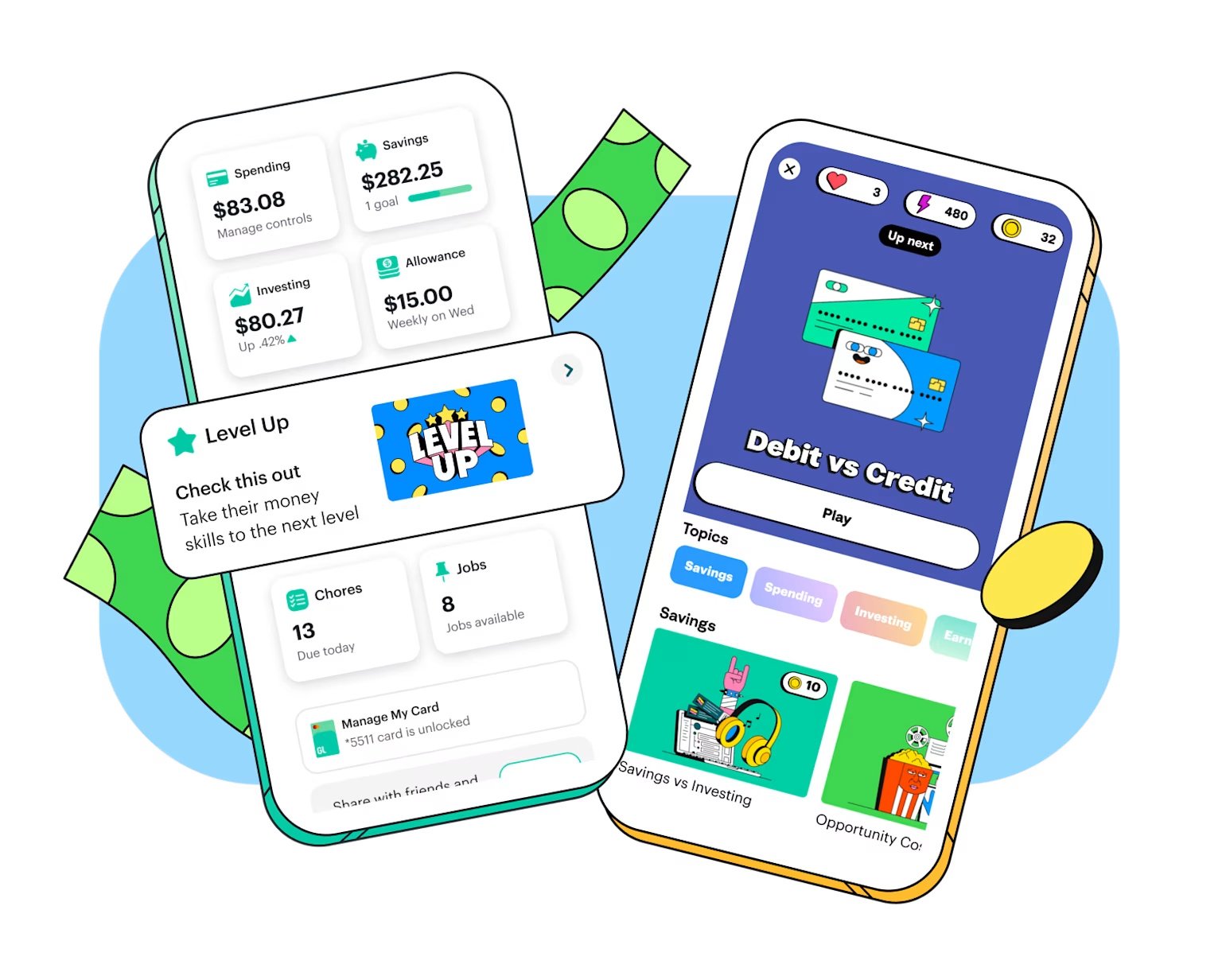
One app. Endless learning.
Level Up learnings give players the confidence to navigate the world of money in real life. With the Greenlight app, kids and teens can put their money skills to work as they learn to earn, save, and invest.
10. Bank of America SafeBalance® for Family Banking
Monthly fee
None
Features
Debit card tied to parent account
Access to Bank of America mobile app
Fraud protection
Parent account monitoring
Bank of America SafeBalance for Family pros
No monthly maintenance fee
No allowance or chore features
Parental oversight
Bank of America SafeBalance for Family cons
No direct deposit or Zelle
No financial literacy features
$25 opening deposit required
Details
Bank of America allows parents to open bank accounts jointly with their child. Teens can use the Bank of America mobile app, make purchases with a debit card, and set savings goals, while parents retain oversight and control.
Because it’s a traditional bank* account, you won’t find interactive money tools like chores, allowance, or investing. It also doesn’t offer direct deposit or Zelle, so users will have to figure out another way to get paid if they have a summer or part-time job, such as going to a physical bank to deposit their paychecks.
How does it compare?
Bank of America’s teen account is a straightforward, bare-bones way for a child to have access to money with parental oversight. Greenlight is built around teaching kids financial literacy through hands-on features that make it more engaging and flexible than a standard account.
How to choose the right family money app and debit card for kids
It comes down to your family's unique dynamic and needs. Which features do your kids need most? As parents and caregivers, what perks and tools will help you most? Here are a few things to consider when making the choice.
Parental convenience and oversight controls
Flexible parental spend controls
Savings goals
Automated allowance
Chore incentives and task lists
Safety and security features
FDIC insurance for the funds underlying pre-paid debit cards
Strict COPPA adherence (personal information protection)
Location sharing4
Driving reports and SOS alerts4
Earning and growth opportunities
Cash back²
Savings rewards¹
Parent-provided interest
Parent-controlled investing for beginners³
Engaging educational tools
Chores and allowance automation
Games and interactive features
Financial literacy resources that foster smart money management skills
The bottom line
Several of these Greenlight alternatives deliver similar core features (e.g., pre-paid debit card, parent funding, allowance automation), but they differ in price, features, and overall value.
If you only need a basic debit card for kids and teens, a free prepaid card is a good place to start. If you want a kids' debit card with more parental controls and financial literacy tools that teach kids how to earn, save, spend, and invest long-term, consider one of the fee-based family money apps like Greenlight, the #1 family finance and safety app.
For a few bucks a month, Greenlight delivers an invaluable toolkit of rich features, perks, and capabilities that similarly priced apps don't offer, including:
Up to 6% on savings¹
Up to 1% cash back²
Customizable parent controls like category and store-specific spending limits
Schedule chores and approve task-related payments
Automatic allowance payments
Divide funds between spending, giving, and saving
Investing for beginners w/parent controls and low $1 bid options³
In-app financial literacy game, Level Up™
Learning Center blog and expert resources
Advanced safety features like location tracking, driving reports, crash detection4, and phone5, purchase, and identity theft protection
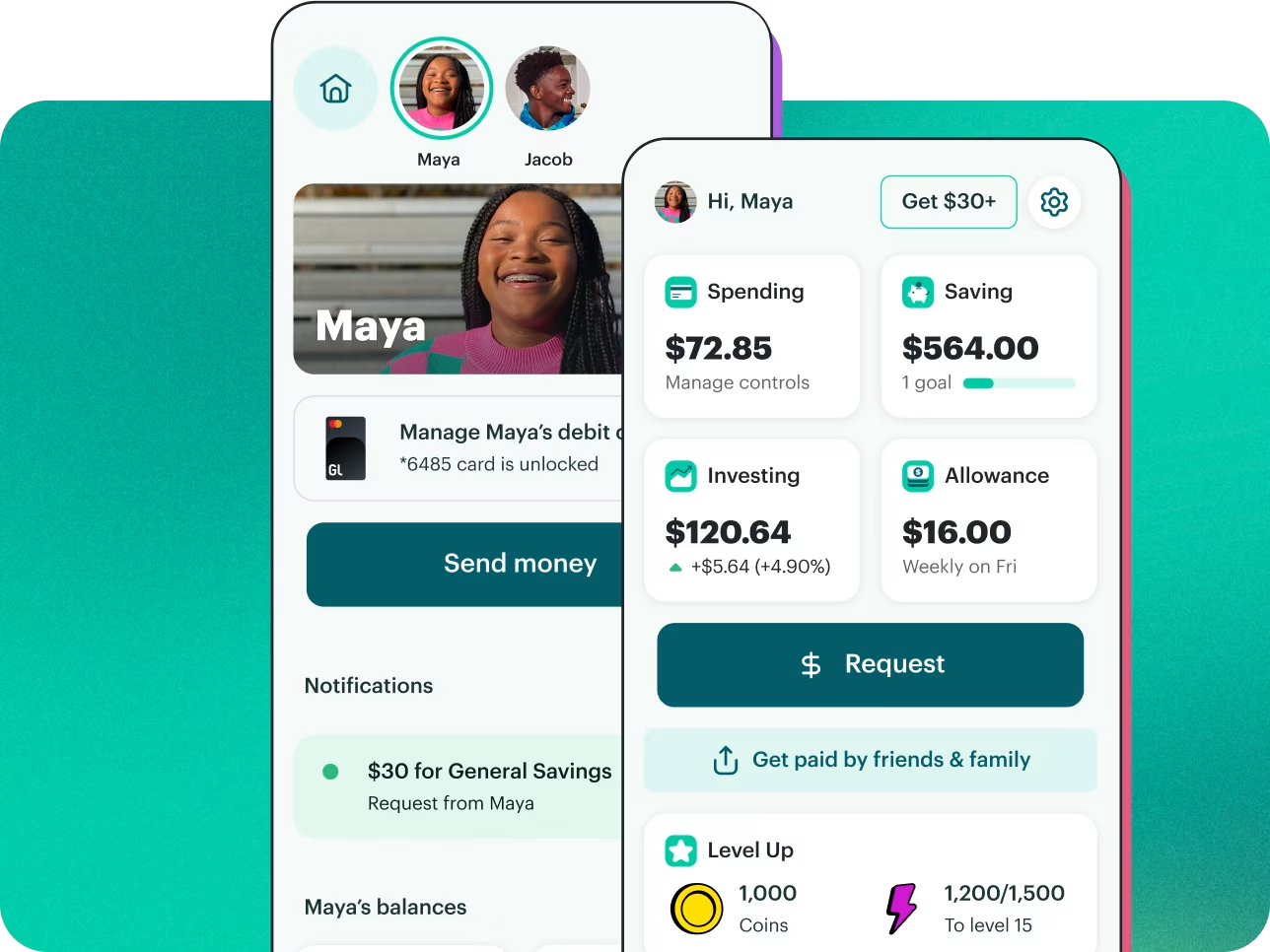
Built for them. And for you.
Both you and your kids download the Greenlight app — with tailored experiences. They check off chores, you automate allowance. They spend wisely, you set flexible controls. They build healthy financial habits, and you cheer them on.


Join Greenlight. Love it or it's on us.†
Plans start at just $5.99/month for the whole family. Includes up to five kids.